WhatsApp Ads Cost in India (2026): Click-to-WhatsApp Ads, Status Ads and API Charges Explained

Quick answer: WhatsApp ads cost in India has three parts. 1) Click-to-WhatsApp ads on Facebook and Instagram cost whatever daily budget you set in Meta Ads Manager; most small businesses test with ₹5,000 to ₹10,000 a month, plus 18% GST. 2) WhatsApp Status ads are bought in the same Ads Manager and are still rolling out in India, so the cost is again your ad budget. 3) WhatsApp Business API messages are charged per message: about ₹0.86 per marketing message and ₹0.115 per utility or authentication message (before 18% GST and your provider’s fee). The free WhatsApp Business app has no message charges at all.

Business owners in Ahmedabad ask us this every week, usually in one of two ways: “WhatsApp pe ad chalane ka kitna kharcha aata hai?” or “Mujhe enquiries seedha WhatsApp pe chahiye, kaise hoga?” This guide answers both. You will see what you actually pay Meta, what is free, a sample monthly budget, and the reply scripts that turn a WhatsApp chat into a paying customer.

💬 Get a free WhatsApp ads budget plan
Tell us your business type on WhatsApp. We reply with a budget and setup plan within one working day.
WhatsApp ads cost in India 2026: click-to-WhatsApp ads, Status ads and API message charges

The 3 Costs of WhatsApp Marketing (and What Is Free)

“WhatsApp ads” means different things to different people. Before you compare prices, separate the three things you can pay for:

What you pay forWhere you buy itHow it is chargedWho needs it
Click-to-WhatsApp adsMeta Ads Manager (Facebook + Instagram)Your daily or lifetime budget, plus 18% GSTAny business that wants new enquiries on WhatsApp
WhatsApp Status adsMeta Ads Manager (WhatsApp placement)Your ad budget, plus 18% GSTBrands that want reach inside WhatsApp’s Updates tab
WhatsApp Business API messagesThrough a provider (BSP) on the WhatsApp Business PlatformPer delivered message by category, plus GST and the provider’s feeBusinesses sending broadcasts, order updates or chatbot replies at scale

What is free: the WhatsApp Business app on your phone (catalogue, quick replies, greeting and away messages, labels), the WhatsApp button on your Facebook Page and Instagram profile, and the WhatsApp link on your website. Many small shops, clinics and coaching classes in Ahmedabad get most of their enquiries with only these free tools plus a small ad budget.

Click-to-WhatsApp Ads Cost in India

A click-to-WhatsApp ad is a normal Facebook or Instagram ad whose button says “Send message”. When someone taps it, WhatsApp opens with a chat to your number and a pre-filled message. You do not pay per message here. You pay Meta for the ad, and you decide the budget.

What decides your cost per WhatsApp enquiry

  • Your city and audience. Ahmedabad audiences usually cost less than Mumbai or Bengaluru, but a narrow audience (for example, only Bodakdev and Satellite) costs more per result than the whole city.
  • Your offer. “Free consultation” or “price list on WhatsApp” gets more chats than “Visit our showroom”.
  • Your creative. A real 15-second video of your shop, product or doctor usually beats a stock image.
  • The season. Navratri, Diwali and the wedding season push costs up because every brand is advertising.
  • How fast you reply. Meta learns from conversations that continue. Slow replies mean fewer real leads for the same money.

A realistic starting budget

For a local business, a fair test is ₹5,000 to ₹10,000 for the first month, run for at least 14 days without big changes. Clicks on Meta ads in India commonly cost anywhere from about ₹5 to ₹80 depending on the industry, so the same budget can bring very different numbers of chats. Do not judge on the first three days. Judge on cost per real conversation: the amount spent divided by chats where the person replied after the first auto-message.

Remember the tax: Meta charges 18% GST on ad spend in India. A ₹10,000 budget is about ₹11,800 on your card or UPI bill.

Not sure if Meta or Google is better for your business? Read Meta Ads vs Google Ads for small businesses and our breakdown of Google Ads cost in Ahmedabad.

WhatsApp Business API Price in India (2026)

If you want to send broadcasts to many customers, connect a chatbot or send automatic order updates, you need the WhatsApp Business Platform (often called the API). Since July 2025, Meta charges per delivered message, by category. Rates for India in 2026, as published by Meta partners:

Message categoryTypical useMeta rate (India, per message)With 18% GST
MarketingOffers, festival greetings, new arrivals, reminders to come backabout ₹0.8631about ₹1.02
UtilityOrder confirmation, delivery update, appointment reminderabout ₹0.115about ₹0.14
AuthenticationOTPs and login codesabout ₹0.115about ₹0.14
ServiceYour replies when the customer messages you firstFree within the free allowance; beyond it billed at the utility rate (from 1 October 2026)–

Three things change the final bill:

  1. Provider (BSP) fees. Tools such as AiSensy, Interakt, WATI or Gupshup add their own monthly plan or markup on top of Meta’s rate. Compare the total per-message price, not only the plan fee.
  2. The free window after an ad. Meta’s pricing rules describe a free entry-point window: when a customer messages you from a click-to-WhatsApp ad or your Facebook Page button and you reply within 24 hours, messages in that conversation are free for 72 hours. Check how your provider shows this before you plan a follow-up sequence.
  3. Who starts the chat. Messages you start (templates) are charged by category. Replies to a customer who wrote first are service messages.

Rates were checked in November 2026. Meta updates its rate card from time to time, so confirm the current rate in your provider’s dashboard before you budget.
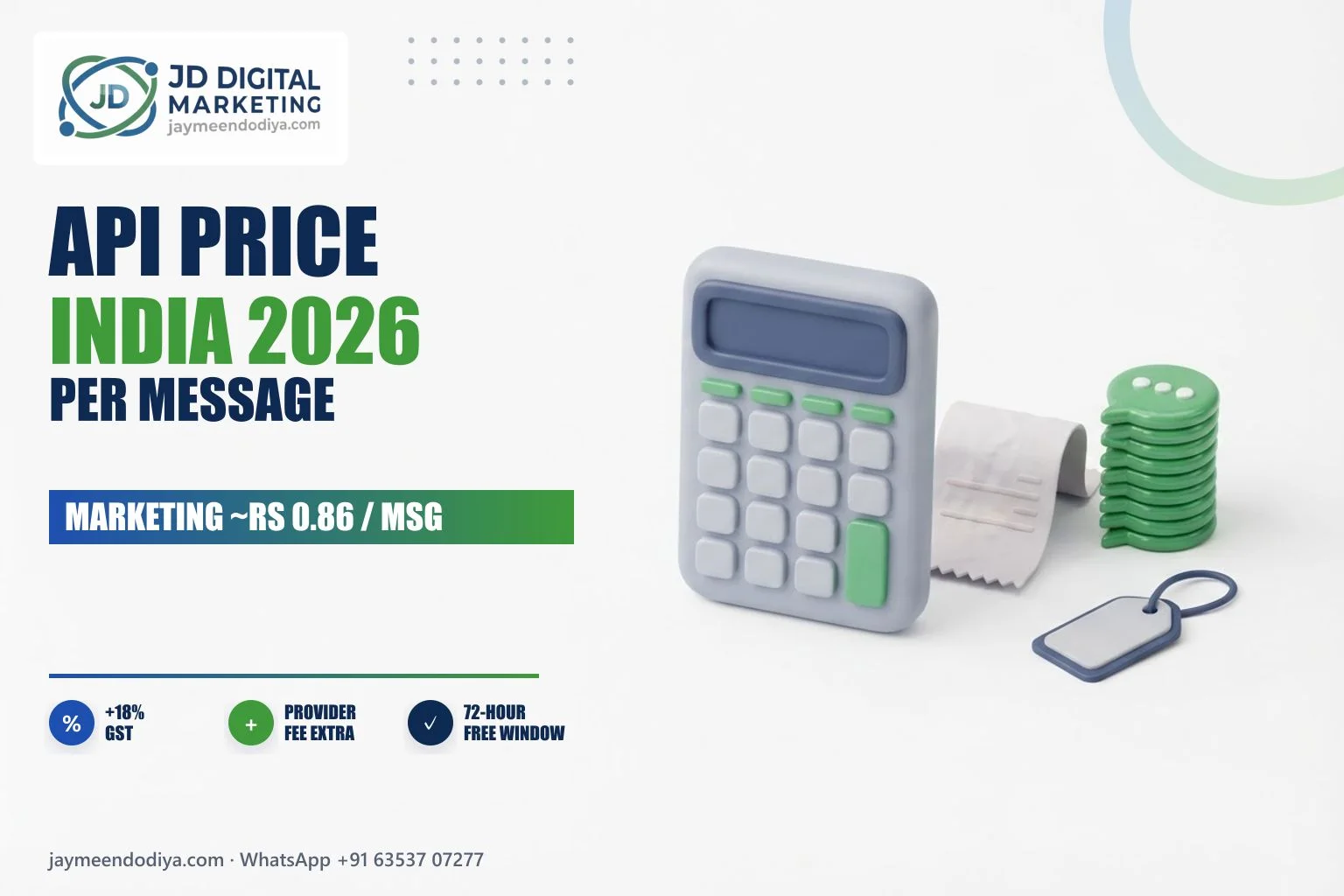
WhatsApp Business API price in India 2026: marketing, utility, authentication and service message rates

WhatsApp Status Ads Cost

Meta has started showing ads in the Updates tab of WhatsApp (between Status updates) and promoted Channels. In India, businesses add WhatsApp as a placement inside a normal Ads Manager campaign, so there is no separate price list: the cost is your ad budget plus GST, exactly like Facebook and Instagram ads. Availability is still being rolled out and can vary by account. If you do not see the WhatsApp Status placement yet, run click-to-WhatsApp ads on Facebook and Instagram, which work everywhere today.

Sample Monthly Budget for a Small Business

Here is an example for a local business in Ahmedabad that wants enquiries on WhatsApp and sends one offer a month to past customers. These are illustrative numbers to show how the costs add up, not a promise of results.

ItemExample amount
Click-to-WhatsApp ads budget₹10,000
18% GST on ads₹1,800
1 broadcast to 1,000 past customers (marketing, about ₹0.8631 each)about ₹863
18% GST on messagesabout ₹155
API provider planVaries by tool (check their plan page)
Total before provider feeabout ₹12,818

If you do not need broadcasts yet, skip the API. Use the free WhatsApp Business app and spend the whole budget on ads and good creatives. Move to the API only when you are sending hundreds of messages a week or need a team inbox.

💬 Send your business type, get a budget on WhatsApp

How to Set Up Click-to-WhatsApp Ads in 7 Steps

  1. Use the WhatsApp Business app (or API) on a number you will answer every day. Fill the business profile: name, category, address or service area, hours and website.
  2. Link WhatsApp to your Facebook Page in Page settings, so ads can use your number.
  3. Write a greeting message and quick replies for price, location, timings and booking.
  4. In Ads Manager, choose the Engagement or Leads objective and set the conversion location to WhatsApp (messaging apps).
  5. Set location and audience: your city or a radius around your shop, age range, and broad interests. Let Meta’s delivery learn; do not stack ten interests.
  6. Write a pre-filled message that tells you what the person wants, for example “Hi, I want the price list for bridal makeup.”
  7. Run 14 days, then check cost per real conversation and the number of chats that became bookings. Keep the winning creative, pause the rest.

Want this done for you? Our performance marketing team sets up and manages click-to-WhatsApp campaigns, and our social media team makes the creatives.

The First-5-Minute Reply Script

Most WhatsApp ad money is wasted after the click, not before it. A person who taps your ad is also messaging two of your competitors. The business that replies first, clearly and politely, usually wins. Save these as quick replies:

1. First reply (send within 5 minutes)

“Namaste! Thank you for messaging [Business Name]. I’m [Your Name]. Please tell me: what do you need and when? I’ll share the price and details right away.”

2. Price question

“Our [service/product] starts from ₹[price]. The final price depends on [size/quantity/date]. Can I ask two quick questions so I can give you the exact price?”

3. Booking push

“We have slots on [day] at [time] and [time]. Which one should I book for you? You can also call me on [number].”

4. Follow-up the next day (inside the free window)

“Hi [Name], just checking if you got the details. Shall I keep the [day] slot for you? Reply YES and I’ll confirm.”
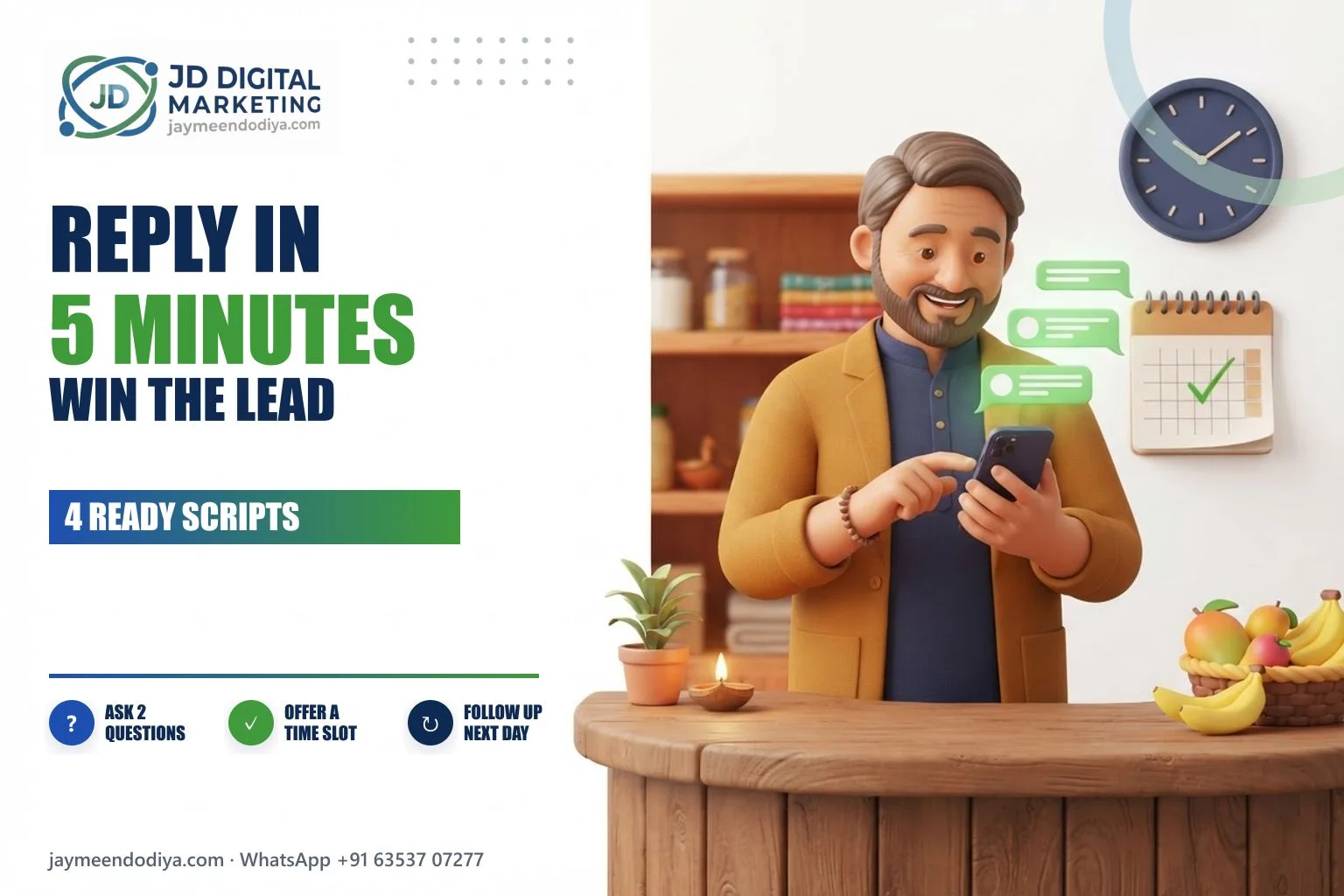
WhatsApp lead reply checklist: reply in 5 minutes, ask 2 questions, offer a slot, follow up next day

5 Mistakes That Waste WhatsApp Ad Money

  1. Nobody replies after 7 pm. Ads keep running at night. Set an away message that promises a reply time, and answer first thing in the morning.
  2. Broadcasting to people who never opted in. Sending marketing messages to bought or scraped numbers gets your number blocked or restricted. Only message customers who gave you their number.
  3. No price range at all. “DM for price” on an ad annoys people. Give a starting price or range in the ad or the first reply.
  4. Judging the campaign on likes or clicks. Track chats that became bookings. Label every WhatsApp chat (New, Price sent, Booked, Lost) so you can count.
  5. Changing the ad every day. Meta needs a few days of steady data. Make changes once or twice a week, not daily.

Which Businesses Get the Most From WhatsApp Ads?

Click-to-WhatsApp ads work best when the customer wants to ask a question before buying: clinics and physiotherapy centres, coaching classes, salons and bridal makeup, interior designers, real estate projects, caterers, local manufacturers taking bulk orders, and boutiques. They work less well for very cheap impulse products, where an online store with direct checkout is easier.

For local businesses, WhatsApp ads work best together with a strong Google Business Profile, because many people check your Google reviews before they reply to your chat.

WhatsApp Business App vs API: Which Should You Use?

WhatsApp Business appWhatsApp Business API
CostFreePer-message charges plus provider fee
Best for1 to 2 people answering chatsTeams, chatbots, large broadcasts
Click-to-WhatsApp adsYesYes
Bulk broadcastsSmall broadcast lists onlyYes, with approved templates
AutomationGreeting, away and quick repliesChatbots, CRM, automatic updates

Frequently Asked Questions

How much do WhatsApp ads cost in India?

Click-to-WhatsApp ads and WhatsApp Status ads cost whatever budget you set in Meta Ads Manager, plus 18% GST. Small businesses usually test with ₹5,000 to ₹10,000 a month. Sending messages through the WhatsApp Business API costs about ₹0.86 per marketing message and ₹0.115 per utility message, before GST and provider fees.

What is the click-to-WhatsApp ads cost per lead?

There is no fixed price. It depends on your city, audience, offer, creative and season. Measure it yourself: total spend divided by conversations where the person replied after the first message.

What is the WhatsApp Business API price in India in 2026?

About ₹0.8631 per marketing message and about ₹0.115 per utility or authentication message, charged per delivered message, plus 18% GST and your provider’s fee. Service replies are free within the free allowance and billed at the utility rate beyond it.

Are WhatsApp Status ads available in India?

They are rolling out. Businesses add WhatsApp as a placement in Ads Manager, and availability can vary by account. The cost is your ad budget, like other Meta ads.

Do I need the WhatsApp Business API to run WhatsApp ads?

No. Click-to-WhatsApp ads work with the free WhatsApp Business app. You need the API only for large broadcasts, chatbots or a shared team inbox.

How can I get more leads on WhatsApp without ads?

Add a WhatsApp button to your website, Google Business Profile, Instagram bio and Facebook Page; put your WhatsApp number on bills and packaging; and reply fast with a clear price. Ads then add new people on top of this base.

Get a Free WhatsApp Ads Plan for Your Business

We are a digital marketing agency in Ahmedabad that sets up click-to-WhatsApp ads, WhatsApp Business profiles and reply scripts for small businesses in India, the USA, the UK and Canada. Send us your business type and city on WhatsApp, and Jaymeen will reply with a free 15-minute plan: a starting budget, the right ad objective and your first quick replies.

💬 WhatsApp Jaymeen: +91 63537 07277

More guides for business owners

Planning your full budget? See how much SEO costs and whether Meta One for Business is worth it, or watch our Hindi business case studies on YouTube.

WhatsApp and Meta prices checked on 9 November 2026

Written by Jaymeen Dodiya, founder of JD Digital Marketing, a digital marketing agency in Sanand, Ahmedabad, working with clients in India, the USA, the UK and Canada. Last updated November 2026.

Leave a Comment

Your email address will not be published. Required fields are marked *

Chat with us on WhatsApp